Delete module context
This page explains how to delete an existing module context.
Delete module
Delete is available on the module row in Module Contexts (trash / Delete control).
-
In Module Contexts, find “test module”.
-
On that row only, click Delete.
-
Confirmation dialog: Remove Module? — Are you sure you want to remove module “test module”?
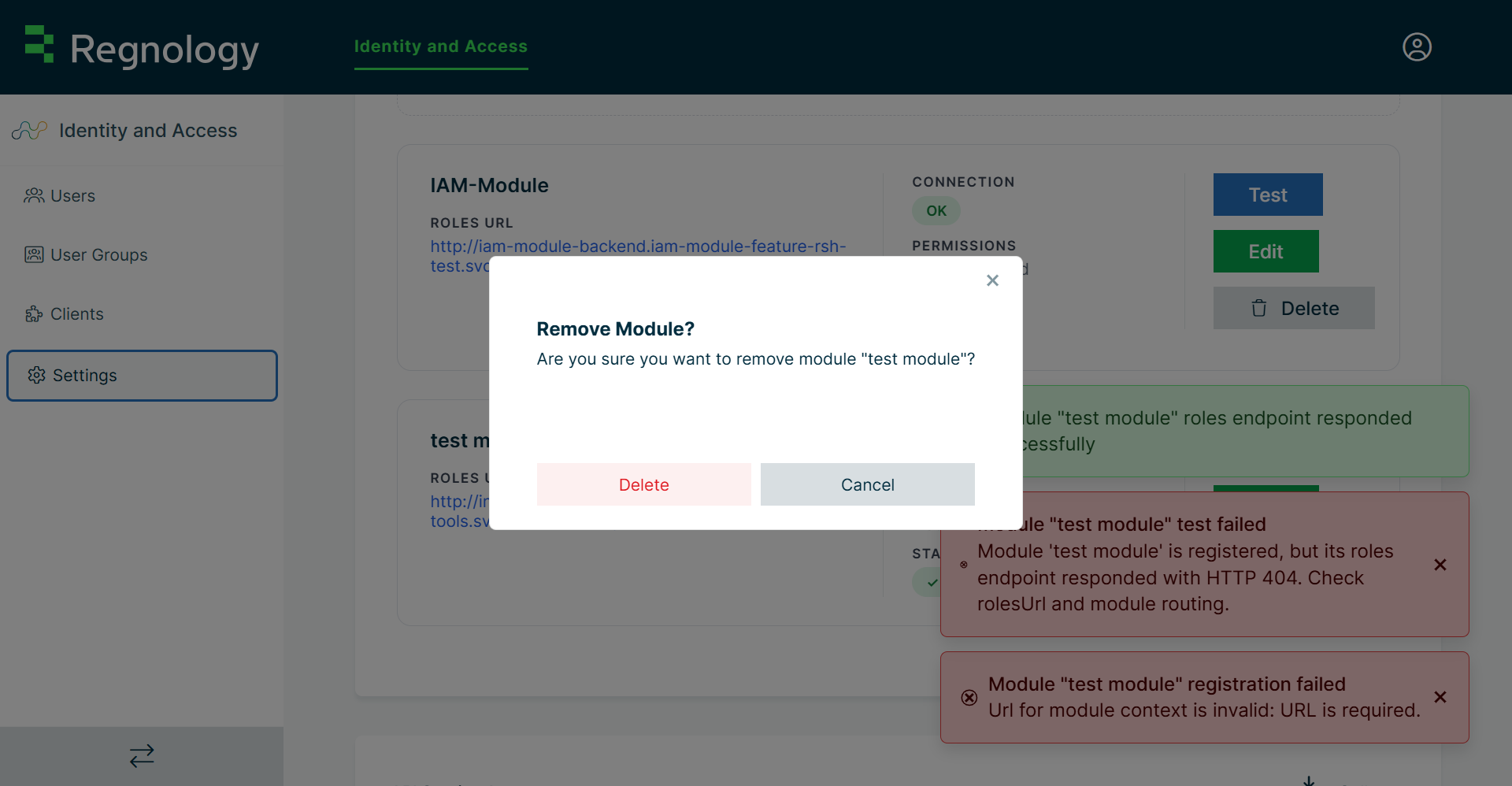
Figure 12. Remove Module confirmation dialog
-
Click Delete in the confirmation dialog.
-
Success message: Module “test module” removed
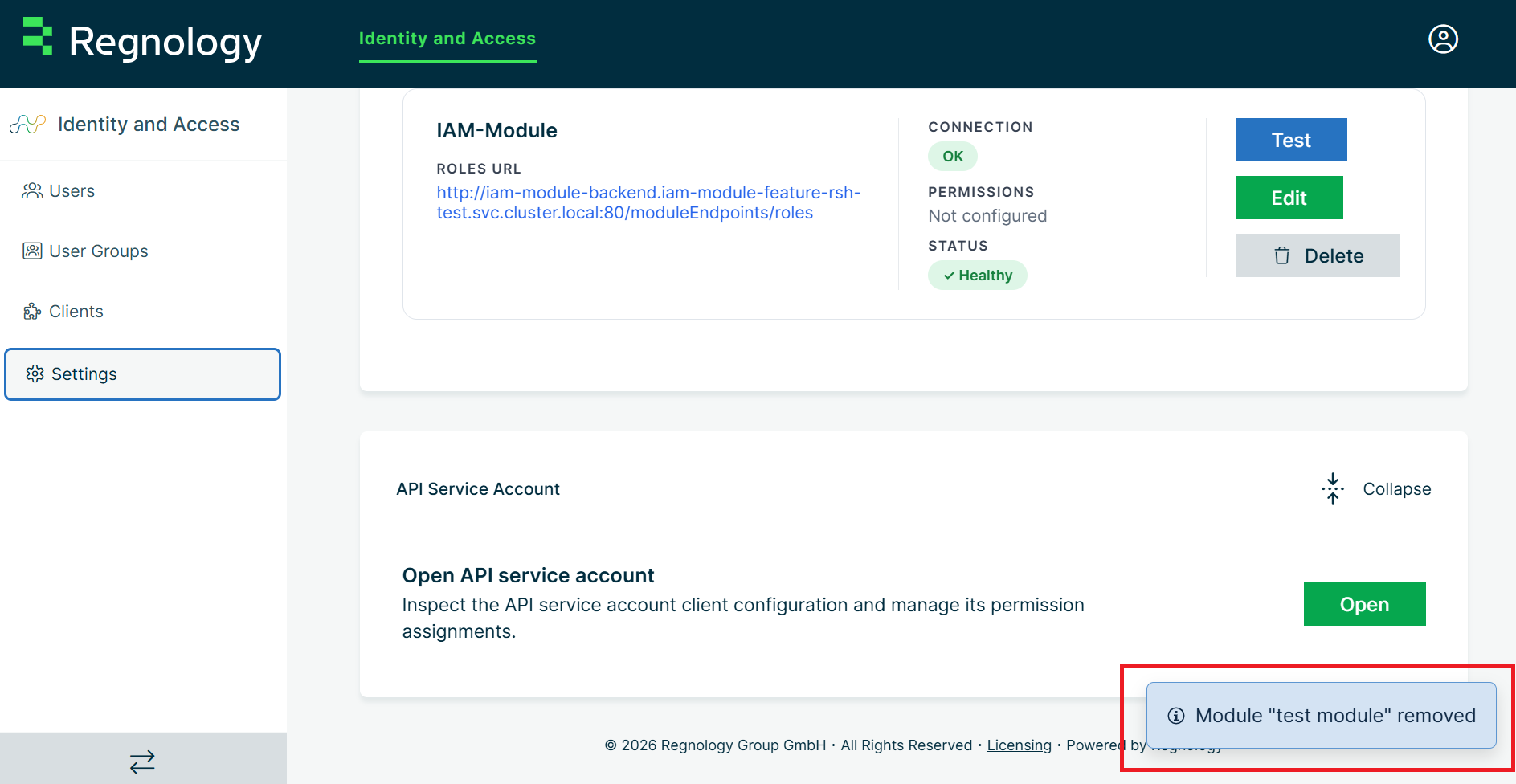
Figure 13. Success message after removing the module
-
Confirm “test module” no longer appears in Module Contexts.